Install the application on your computer and open it.
If you encounter issues opening the application in MacOs, run the following command in the terminal: xattr -d com.apple.quarantine/Applications/SingularisXR.app
Connect the headset to your computer via USB cable (referential video here).
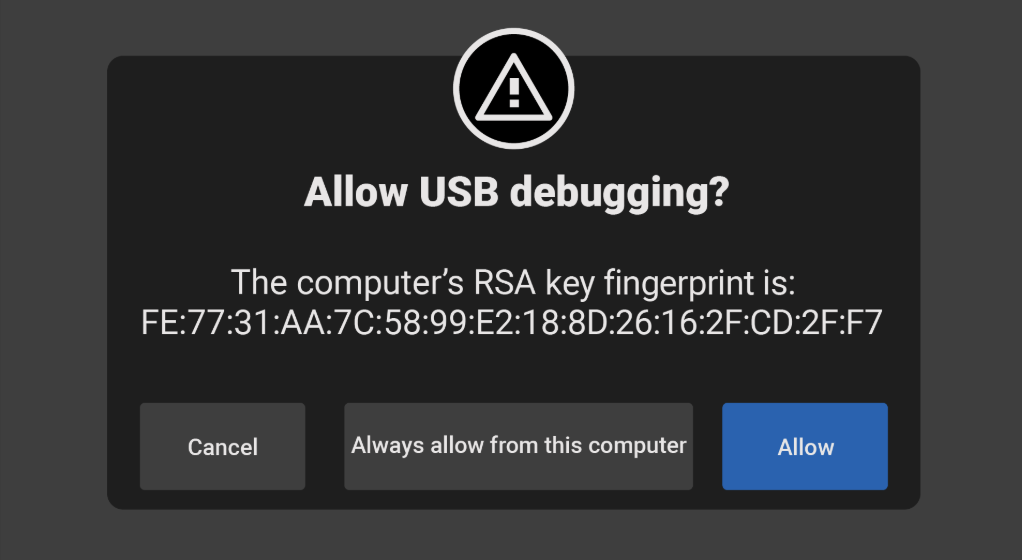
When you connect your PICO headset to the computer, you will see this message. You must press the button Always allow from this computer.
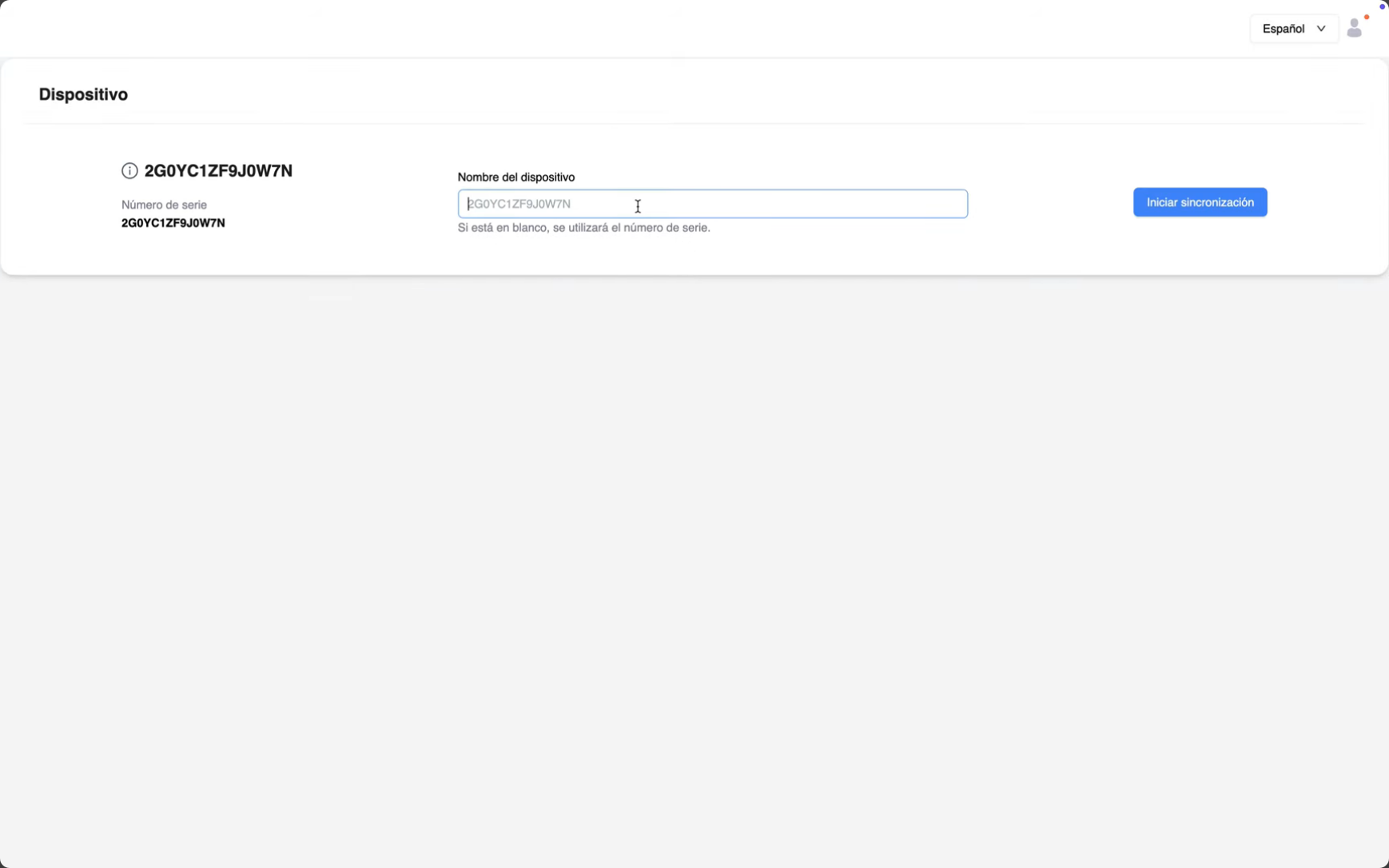
Open the previously installed application.
Log in with the credentials for SingularisVR.
Name your headset to distinguish it from others.
Press the button start and wait until it is 100% complete.
Your PICO headset is now successfully registered.
Verify that your device now appears in your dashboard.
Congratulations!! You are all set to use the headset and enjoy your experiences with SingularisVR.